“Not enough ETH” on the staking page
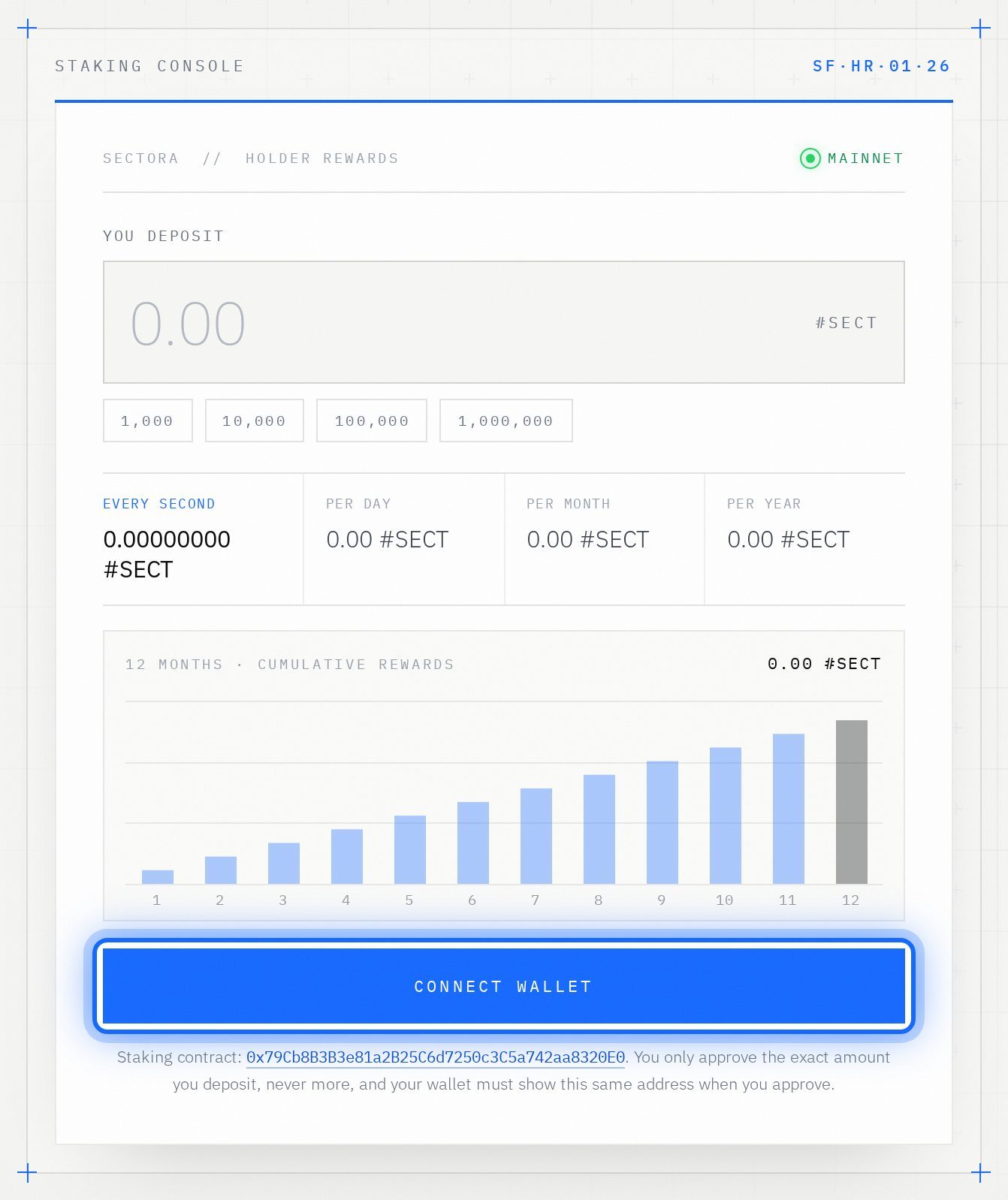
Part A uses real Ethereum. Add a little ETH (on Ethereum) to the same wallet and try again.
“Switch your wallet to the Ethereum network”
You are on the staking page with the wrong network. In your wallet, choose Ethereum (Ethereum Mainnet) and reload.
“You do not have that many #SECT in your wallet”
Type a smaller amount, or buy more #SECT with our buying guide.
I used a different wallet for the node
It doesn't count. Connect your staking wallet on the dashboard and repeat Part B with it.
The location wasn't detected, or it is wrong
If it wasn't detected, two boxes appear: follow Plan B in step 10. Use your city, not your home.
The wallet window didn't open
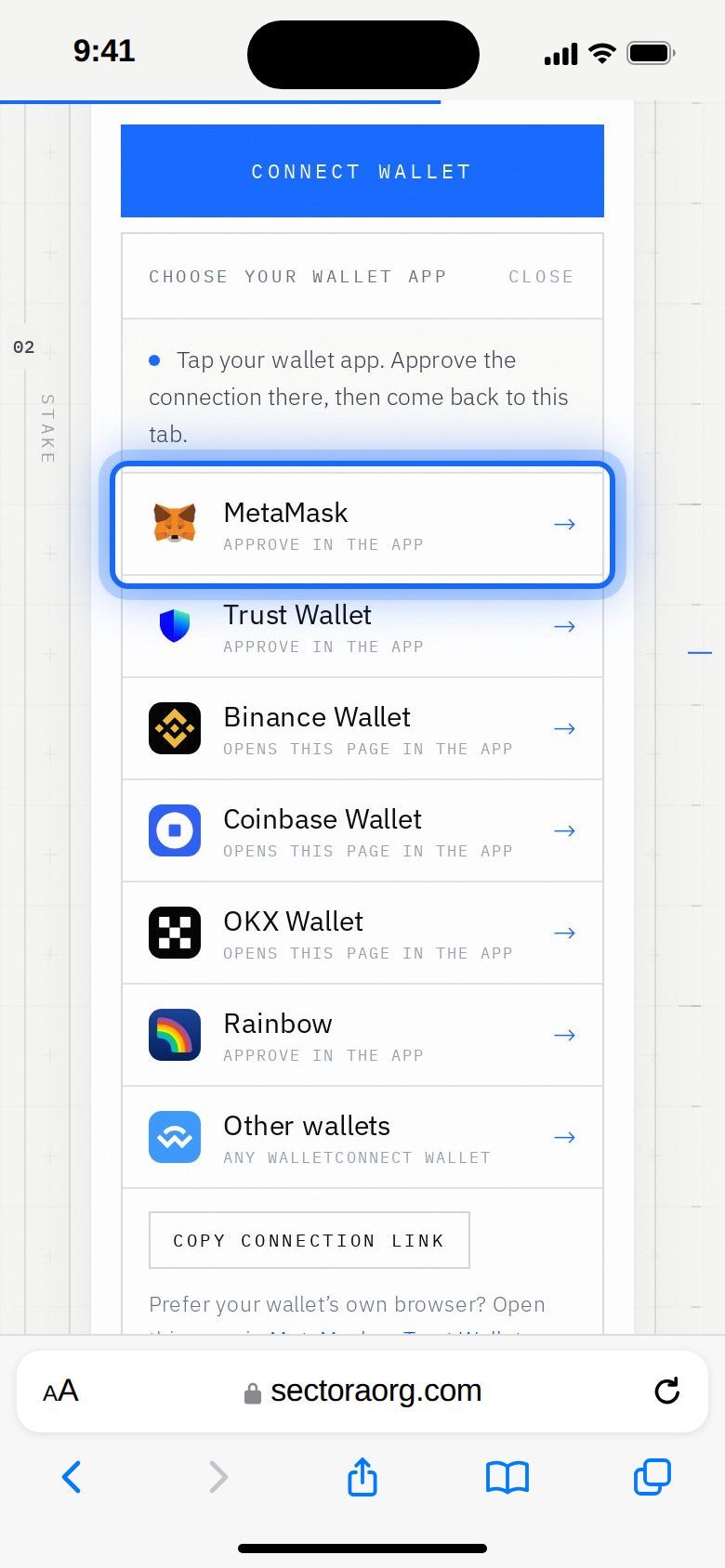
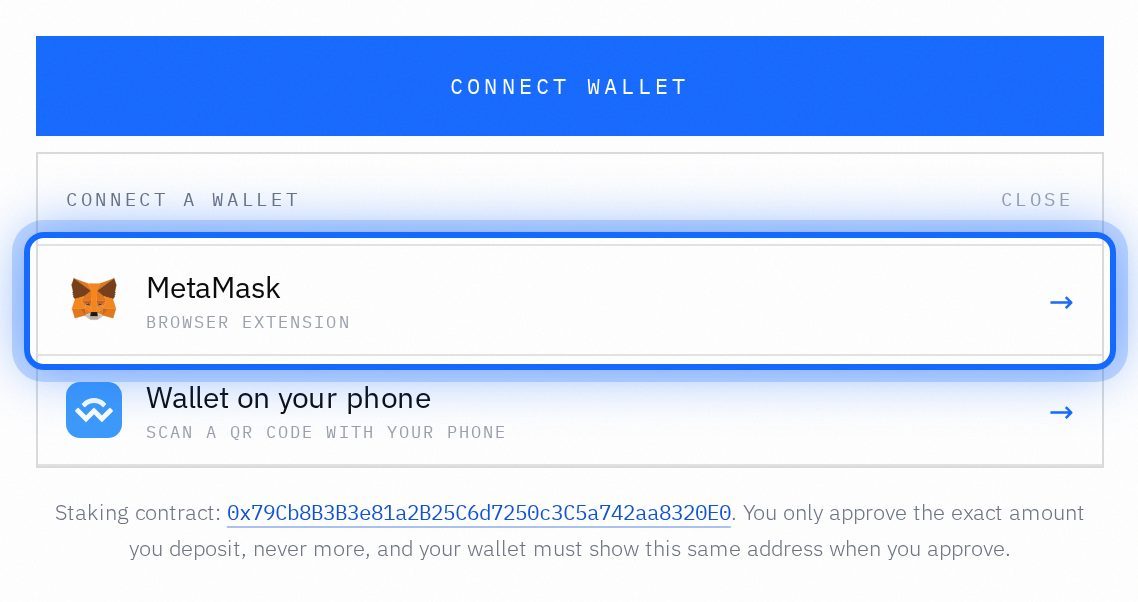
Open your wallet app or extension yourself: the request is waiting there. On a phone, after approving, go back to the browser tab.
My Airdrop doesn't show my node yet
Wait a minute and press Refresh. The activation is read right away and saved publicly every few minutes.
I already had a node from before (Sepolia)
Nothing changes: it keeps its date and its days. You don't have to activate it again.
Do I have to keep my computer on?
No. Once activated, your node stays on by itself.
Do I have to withdraw my staking to join?
No. Never. Your staked #SECT count as they are, and you keep earning your staking rewards.
Does Part B cost money?
No. Activating your node is free: no test coins, no gas and no signature.
Support
Still stuck? Write to us.
Send an email to our support team with the subject “Airdrop Connection”. To help you fast, include:
- Your public wallet address (starts with 0x).
- The step number where you got stuck.
- A screenshot of the error.
Emailsupport@sectoraorg.com
SubjectAirdrop Connection
Write to support →
Never send your recovery phrase (12 or 24 words) or your private key. Not to us, not to anyone.